2022 Waimea Art Council Art Show
Kohala Plein Air Artists were invited to group show at the Waimea Artists Council WAC
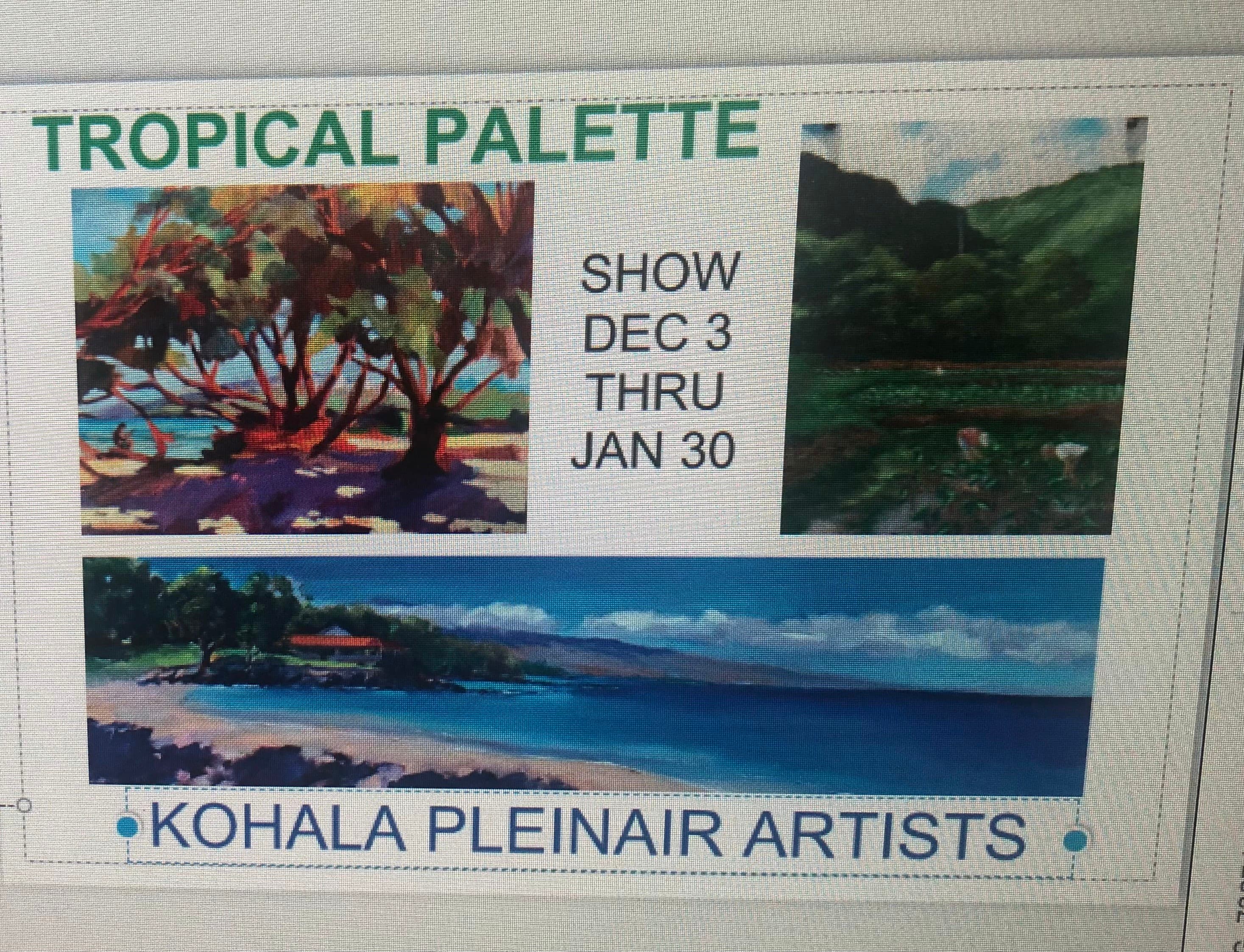
Kohala Plein Air Artists had a group show at the Waimea Artists Council WAC
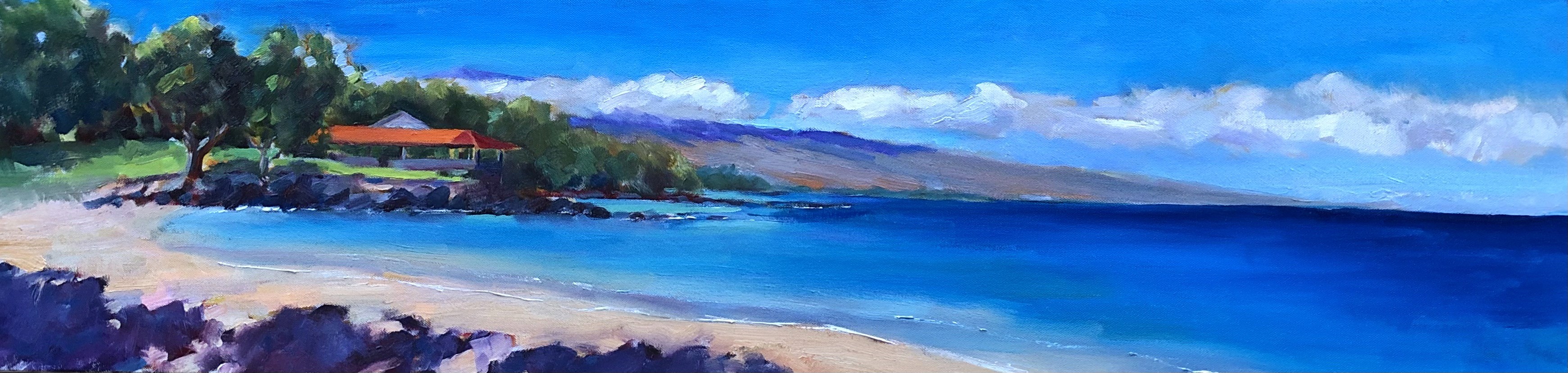
Spencer Beach Park
Starting at the atomic level

Framer allows you to create fully interactive and animated components, and even allows you to nest components within other components. We’re building a navigation bar component for a website that will contain two different kinds of nested components, with their own unique interactions. Our project will contain a Navigation bar that contains various nested components, namely five Nav items and one Shopping cart component. The design of our nested components, the nav list item and the shopping cart, will impact how we design our navigation bar. For this reason, an optimal workflow includes starting with the 'deepest' nested component and building up from there.
Nesting components
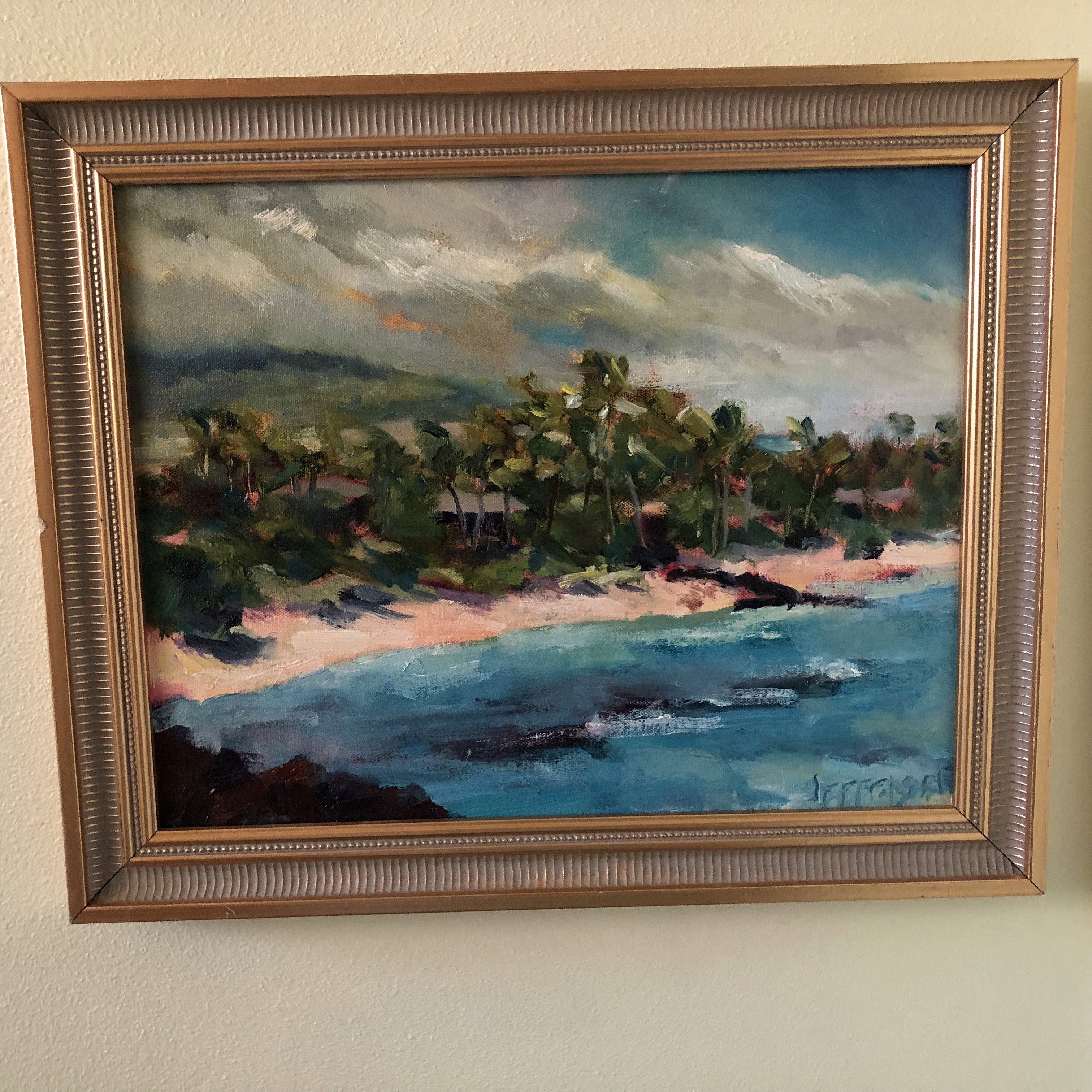
"Liked" on Plein Air Magazine online
Triggering interactions from the navigation bar

Back on the main canvas, we’d like to be able to tap 'Clothing' and navigate to an entire new Screen. If you’d connect the component using the Prototyping Connector to a new screen, we could set up an Interaction. However, this would be triggered if we tap anywhere within our component. This isn’t what we want to do, as we want to trigger this transition only from a specific element. This is where Event Variables come in, which are special types of Variables not attached to properties (like opacity or fill) but instead to events.